A good IPTV experience depends on more than the television service itself. Internet speed, Wi-Fi coverage, router performance, connected devices, and network congestion can all influence how smoothly live TV, movies, and series play.
When buffering or sudden quality drops occur, many viewers immediately assume the IPTV provider is responsible. In reality, problems can also come from the home network. Understanding how internet connectivity affects IPTV can make troubleshooting easier and help users build a more reliable streaming setup.
Why Internet Quality Matters for IPTV
IPTV delivers television content through an internet connection. Unlike traditional satellite or cable television, the stream must continuously travel through the user's network to the viewing device.
If the connection becomes unstable, the player may not receive video data quickly enough. This can lead to:
A reliable connection is therefore one of the foundations of smooth IPTV streaming.
Internet Speed Is Only Part of the Picture
People often focus entirely on their advertised broadband speed.
While bandwidth is important, a fast internet package does not automatically guarantee stable streaming.
A connection can have a high maximum download speed while still suffering from Wi-Fi interference, network congestion, packet loss, or temporary drops.
For IPTV, consistent performance can be just as important as maximum speed.
Higher Resolution Uses More Bandwidth
Video quality affects how much data must be transferred.
Standard-definition video normally requires less bandwidth than HD, Full HD, or 4K content. Higher-resolution streams contain more visual information and therefore place greater demand on the internet connection.
If several household members are streaming high-quality video simultaneously, total bandwidth requirements increase further.
How Multiple Devices Affect IPTV
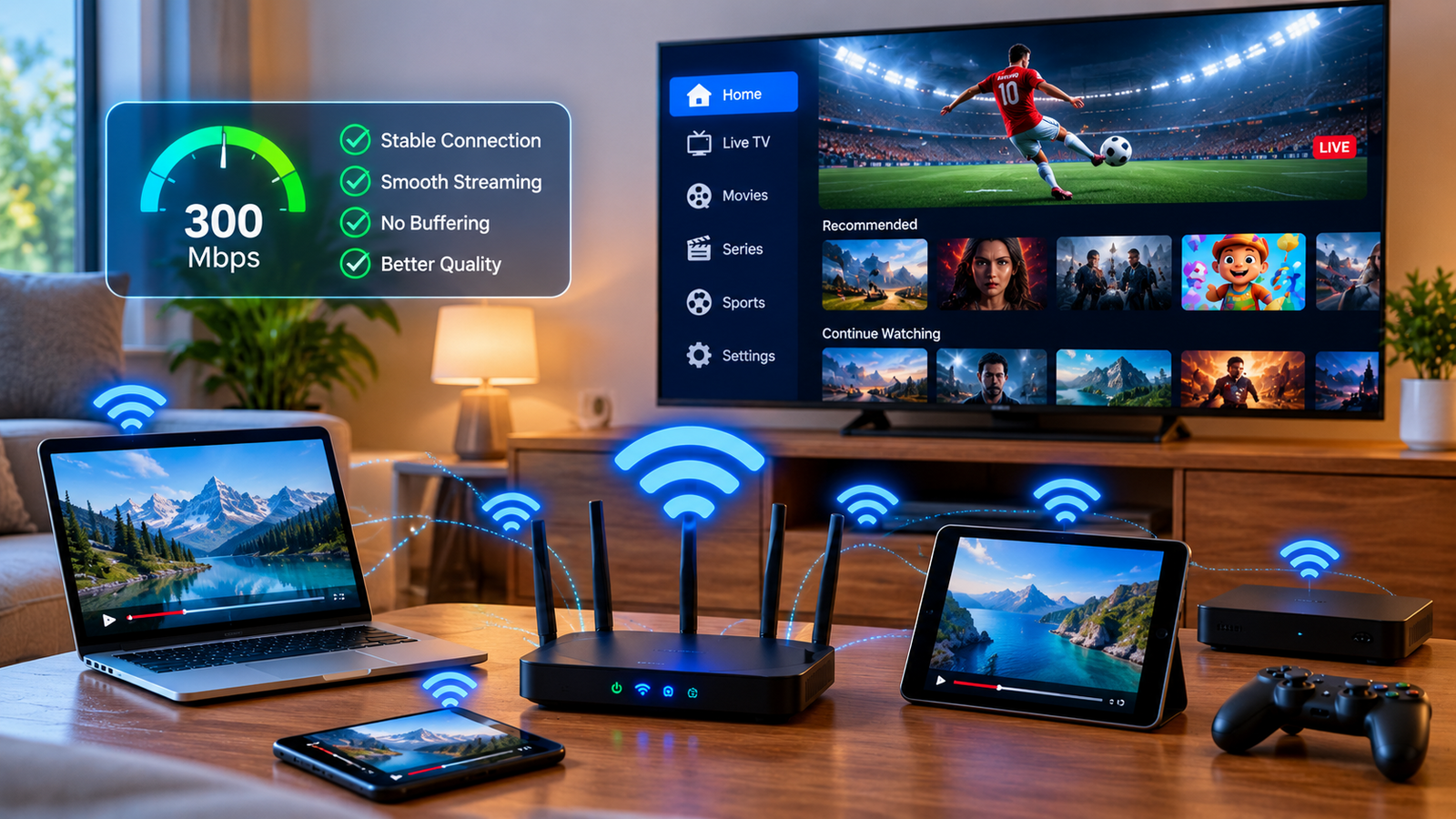
Modern homes often have many internet-connected devices operating at the same time.
These may include:
-
Smart TVs
-
Smartphones
-
Tablets
-
Computers
-
Gaming consoles
-
Security cameras
-
Smart speakers
-
Streaming boxes
Each active device may use part of the available network capacity.
If someone begins downloading a large game while another person watches 4K video and a third uses IPTV, the television stream may receive less available bandwidth.
This is why IPTV sometimes works perfectly during quiet periods but starts buffering when the entire household is online.
Wi-Fi Versus Ethernet for IPTV
Both Wi-Fi and Ethernet can support IPTV, but they behave differently.
Wi-Fi Offers Convenience
Wireless connectivity makes it easy to place Smart TVs and streaming devices around the home without running cables.
Modern Wi-Fi networks can provide excellent performance when the signal is strong and interference is limited.
However, Wi-Fi quality can change depending on:
A television located far from the router may therefore experience more interruptions than a device in the same room.
Ethernet Can Provide Greater Consistency
A wired Ethernet connection connects the streaming device directly to the router.
When practical, this can provide a more stable connection because the signal does not need to travel wirelessly through walls or compete with nearby Wi-Fi networks.
Ethernet can be particularly useful for a primary Smart TV or streaming box that remains permanently in one location.
Router Placement Can Make a Big Difference
A poorly positioned router can reduce wireless performance throughout the home.
Placing the router inside a closed cabinet, behind large furniture, or in a distant corner may weaken the signal.
For better coverage, a router is generally more effective when positioned:
-
In a relatively central location
-
Away from large physical obstacles
-
Above floor level
-
In an open space
-
Away from equipment that may cause interference
Small improvements in router placement can sometimes solve streaming problems without requiring a faster internet plan.
Why IPTV Buffers
Buffering happens when the player temporarily runs out of enough video data to continue playback smoothly.
There is no single cause.
Slow Internet Connection
If the connection cannot deliver video data quickly enough, the player may pause while more content loads.
Weak Wi-Fi Signal
A device may have good internet service overall but still receive a poor wireless signal.
Network Congestion
Several active devices may compete for the same bandwidth.
Router Problems
Older or overloaded routers can sometimes struggle when handling many connected devices or continuous video streaming.
Device Performance
The streaming device itself may also contribute to problems. Limited memory, outdated software, or background applications can affect playback.
Temporary Service Issues
Occasionally, problems may exist outside the home network. Testing other applications and devices can help narrow down the cause.
How to Troubleshoot IPTV Buffering
When buffering begins, changing multiple settings at once can make it difficult to identify the actual problem.
A step-by-step approach is usually better.
Restart the IPTV Application
Close the player fully and reopen it.
Temporary software problems can sometimes disappear after a simple restart.
Restart the Streaming Device
Power cycling the Smart TV, streaming box, phone, or computer can clear temporary system issues.
Restart the Router
If several internet services are behaving unusually, restarting the router may restore a more stable connection.
Allow the network to reconnect completely before testing IPTV again.
Test Another Application
Open another video streaming platform on the same device.
If other services are also buffering, the internet connection or local network is a likely cause.
Test Another Device
Try IPTV on another compatible device connected to the same network.
If the second device works normally, the original television or application may require attention.
Try Ethernet
If possible, temporarily connect the device directly to the router with an Ethernet cable.
If performance improves significantly, Wi-Fi quality may be causing the issue.
Choosing an IPTV Service With Setup Support
Technical compatibility is worth considering when selecting an IPTV provider.
Users should look for clear information about supported devices, applications, subscription options, setup procedures, and customer assistance.
When researching different services, viewers may compare options such as ZYRA IPTV with other providers while considering device support, available streaming features, subscription choices, and installation guidance.
A service that matches the user's equipment and viewing habits can make installation and troubleshooting more straightforward.
Keep Streaming Devices Updated
Software updates are easy to ignore, especially when a device appears to be working normally.
However, older software can sometimes create compatibility or performance problems.
Users should periodically check for updates to:
Updates can include bug fixes, security improvements, and changes that improve application compatibility.
Reduce Unnecessary Background Activity
Other network activities can affect IPTV even when they are happening quietly in the background.
Examples include:
If IPTV begins buffering unexpectedly, checking whether another device is consuming significant bandwidth can be useful.
Pausing a large download may immediately improve streaming quality.
Use the Right Device for Your Setup
Not every device performs equally well.
Older Smart TVs may have slower processors or limited memory compared with newer streaming boxes. In some cases, adding a dedicated streaming device can provide a more responsive IPTV experience without replacing the television.
Users should consider:
The best device is the one that provides stable performance and supports the IPTV application the viewer prefers.
Check Whether the Problem Happens at Certain Times
Network performance can sometimes change during different parts of the day.
If IPTV works smoothly in the morning but regularly struggles in the evening, increased household activity or broader internet congestion may be involved.
Keeping track of when problems occur can help identify patterns.
It is also useful to determine whether buffering affects every channel or only specific content. This information can make troubleshooting more precise.
Avoid Changing Too Many Settings
When IPTV starts buffering, users sometimes install several new applications, change router settings, reset devices, and replace login information all at once.
This can create new problems and make the original cause harder to identify.
Instead, test one change at a time.
For example:
-
Restart the application.
-
Test the internet connection.
-
Try another channel.
-
Test another device.
-
Restart the router.
-
Try Ethernet if available.
-
Contact the service provider if the problem continues.
A structured process is usually more effective than random changes.
Security Still Matters
Streaming devices are connected to the internet and should be treated like other networked equipment.
Use applications from trustworthy sources, keep software updated, protect account credentials, and avoid sharing login information publicly.
Users should also review the terms of any IPTV service and understand the applicable content licensing rules in their location.
IPTV itself is simply a delivery technology. Whether particular programming is authorized depends on the service, content rights, and local regulations.
Final Thoughts
Reliable IPTV streaming depends on the entire setup, not only the subscription.
Internet stability, available bandwidth, Wi-Fi coverage, router performance, device capability, and simultaneous household activity can all influence playback quality.
When problems occur, users should test their setup systematically before assuming that one component is responsible. Improving router placement, reducing network congestion, updating devices, or using Ethernet can sometimes make a noticeable difference.
A well-maintained home network combined with compatible equipment gives IPTV the strongest foundation for stable live television and on-demand streaming.


 Search in Classifieds
 Search in Groups
 Search in Polls
 Search in Members
 Search in Members
 Search in News
 Search in Businesses
 Search in Contests
 Search in Events
 Search in Music Albums
 Search in Music Songs
 Search in Quotes
 Search in Site Team



Share this page with your family and friends.