Search in Classifieds
Search in Groups
Search in Polls
Search in Members
Search in Members
Search in News
Search in Polls
Search in Businesses
Search in Contests
Search in Events
Search in Music Albums
Search in Music Songs
Search in Quotes
Search in Site Team
Search in Jobs
Search in Products
Search in Products
By Anika Lawson
1 hour ago
7 minutes, 52 seconds
122 views 0 comments 1 like 0 reviews
There is no single best video editor, only the right one for what you are actually shooting. A quick vertical clip for social media, a client project meant for a big screen, and a podcast interview all call for different tools, and pricing has shifted enough this year that the app you used last year may not be the same deal today.
Storage matters too. If your footage lives on your phone, a heavyweight desktop tool will not do you any favors, and if a project needs layered audio and detailed color correction, a lightweight mobile app will eventually run out of room to work.
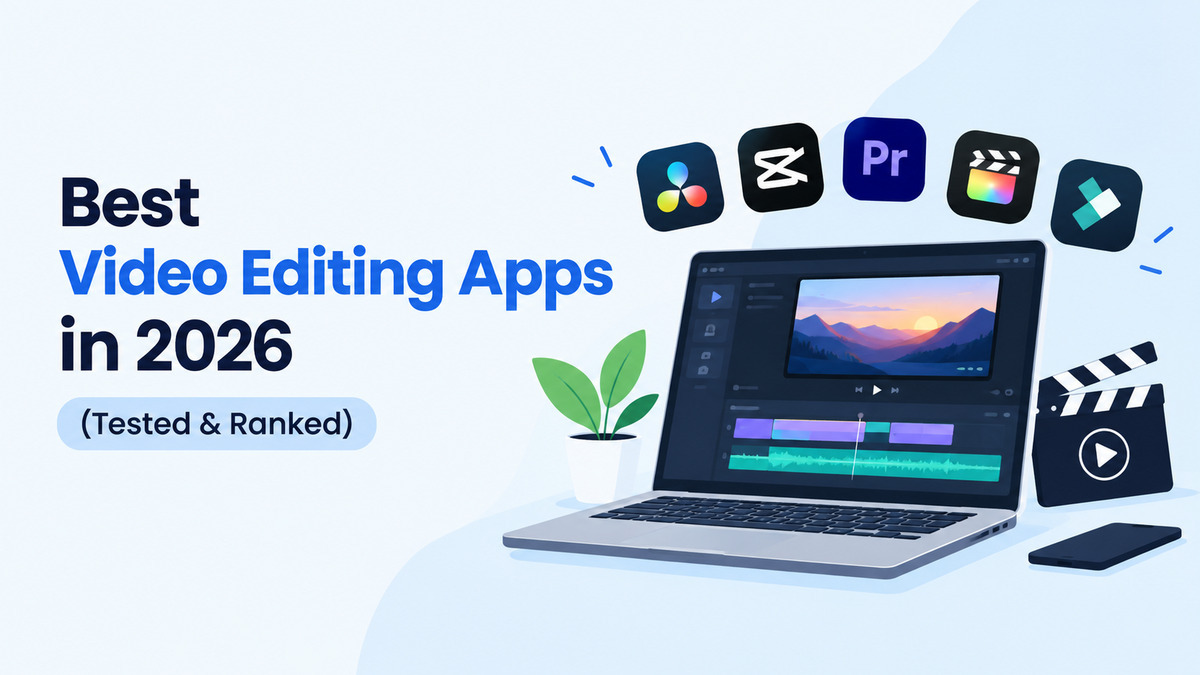
After spending real time testing the best video editing apps across phone, tablet, and desktop, here is what actually held up, where each one falls short, and which situations each one is genuinely built for.
CapCut is still one of the fastest ways to turn raw footage into a polished vertical clip, thanks to constantly updated templates, accurate auto captions, and cross device syncing. The catch is pricing. The Pro tier now runs close to 20 dollars a month, and heavy AI feature use can burn through credits in about two weeks.
VN has become the go to free alternative after CapCut's price hikes. It offers a real multi track timeline with no subscription and no watermark, along with waveform audio editing that rivals paid apps. Some advanced tools are buried in menus, and there is no native Windows version yet.
InShot is the easiest entry point for someone who finds editing intimidating. It runs smoothly on older phones and its background removal tool works in seconds. It is limited to a single track, though, so anything layered will outgrow it fast.
KineMaster handles layered video, stickers, and blending modes better than most mobile apps, closer to desktop level control. The free version stamps a large watermark on exports, and battery drain is noticeable during long sessions.
Once a project needs real color grading, this is where it ends up. The free version includes professional color tools, layered audio, and effects that would cost hundreds elsewhere. It has a real learning curve and wants a capable computer for longer timelines.
Premiere Pro remains the industry standard at professional studios, with deep After Effects integration and strong client review tools. Subscription costs add up for occasional users, and it can overwhelm anyone coming from a lighter mobile app.
Rush sits between Premiere Pro and CapCut style apps, syncing projects across phone, tablet, and laptop with a simpler interface. It lacks the depth of full Premiere and is hard to justify without an existing Adobe subscription.
LumaFusion brings genuine desktop level control to iPhone and iPad, with multi track editing and keyframing for a one time purchase instead of a subscription. The interface assumes some prior editing knowledge, and its template library is thin compared to CapCut.
iMovie is free, watermark free, and syncs automatically across Apple devices, making it the simplest way to teach someone the basics of a timeline. It has no real multi track support and stays limited to the Apple ecosystem.
Descript changes the workflow entirely by letting you edit video through the transcript. Delete a sentence and the matching audio and video disappear with it, which turns a slow interview edit into a quick one. It struggles with visual heavy projects and overlapping speakers can throw off transcription accuracy.
A few years ago, picking a free video editor was a fairly safe bet. That has changed. CapCut's Pro tier jumped toward 20 dollars a month for the full AI toolkit, and its once generous free exports now come with more restrictions than before. KineMaster raised its subscription prices by roughly fifteen percent as well. Meanwhile, VN and the free tier of DaVinci Resolve have stayed free with no watermark, which is a big part of why they keep coming up as the default recommendation for anyone trying to avoid a recurring bill. Before starting a trial on any app, it is worth checking the current pricing page directly rather than trusting an old review, since a few of these tools have changed their terms more than once in the last year alone.
Moving a project between editors rarely goes smoothly. Starting an edit in a simple app like InShot and later realizing it needs proper color grading usually means reimporting everything into DaVinci Resolve from scratch. It is worth deciding on the right tool before you start, not halfway through.
Storage is the other common issue. Mobile editors like CapCut, VN, and KineMaster fill up phone storage quickly through cached exports and unfinished projects. Exporting and then deleting the working file afterward avoids most of that headache.
The decision usually comes down to the content, not the feature list. A fast vertical clip heading straight to social media calls for VN or InShot. Anything that needs real color work goes to DaVinci Resolve. Podcast and interview content is faster in Descript than anywhere else, and a full project shot entirely on an iPhone fits naturally into LumaFusion.
If you are just starting out, open whichever app you already have, iMovie, VN, or the free tier of DaVinci Resolve, and finish one small project first. A real edit will teach you more about what you actually need than any spec sheet, and once you hit a genuine limitation, you will already know which tool on this list solves it.
We are a close community to help to meet and greet new people.
We are a secure community with 5000+ active members who help you with your queries, post new updates and grow your network.

Share this page with your family and friends.